Creating Your Raena AI Account
Written By Jomari @ Raena AI
Last updated 12 months ago
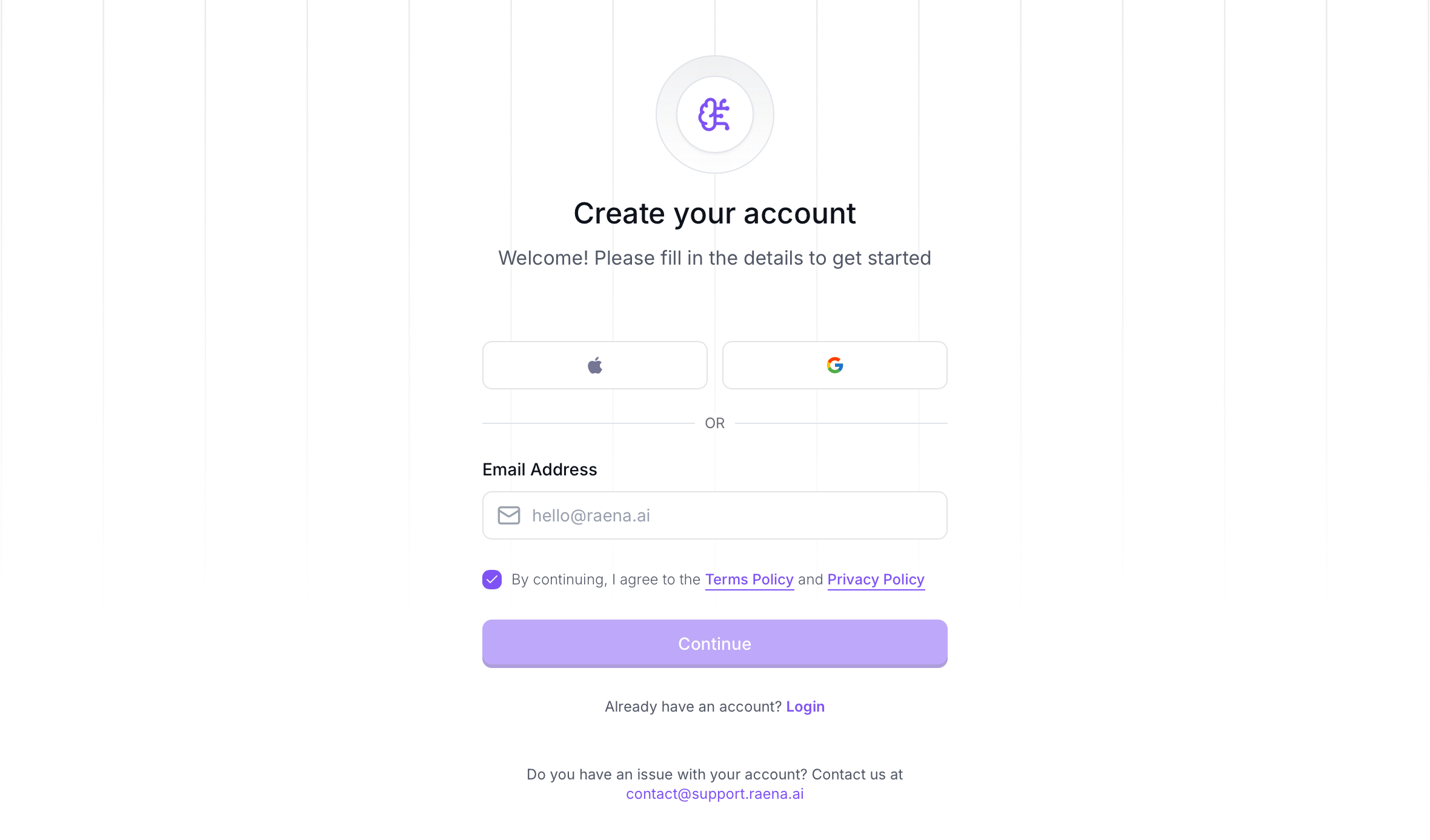
If you haven’t already, getting started with Raena AI is quick and easy. There are various options for creating your account:
Sign up with Google: Simply click on the “Continue with Google” button, and you’ll be prompted to log in using your Google account credentials. Once authenticate, your Raena AI account will be created instantly and you can start right away.
Sign up with Apple: Click the Apple logo to create your account through your Apple ID. Please note: If you choose to ‘Hide Your Email’ at signup, this will block any incoming important correspondence to your inbox. We recommend not hiding your email at signup up.
Sign up with Email: Prefer to use your email? Enter your email address then follow the prompts to verify your account. Now you’re all set!
If you already have an account with us, you can always log in using your Google account, Apple account or email address on our login page.
Ready to start your study journey? Begin the tutorial to set up your first quiz today!
Was this helpful?
Still need help? Ask the team